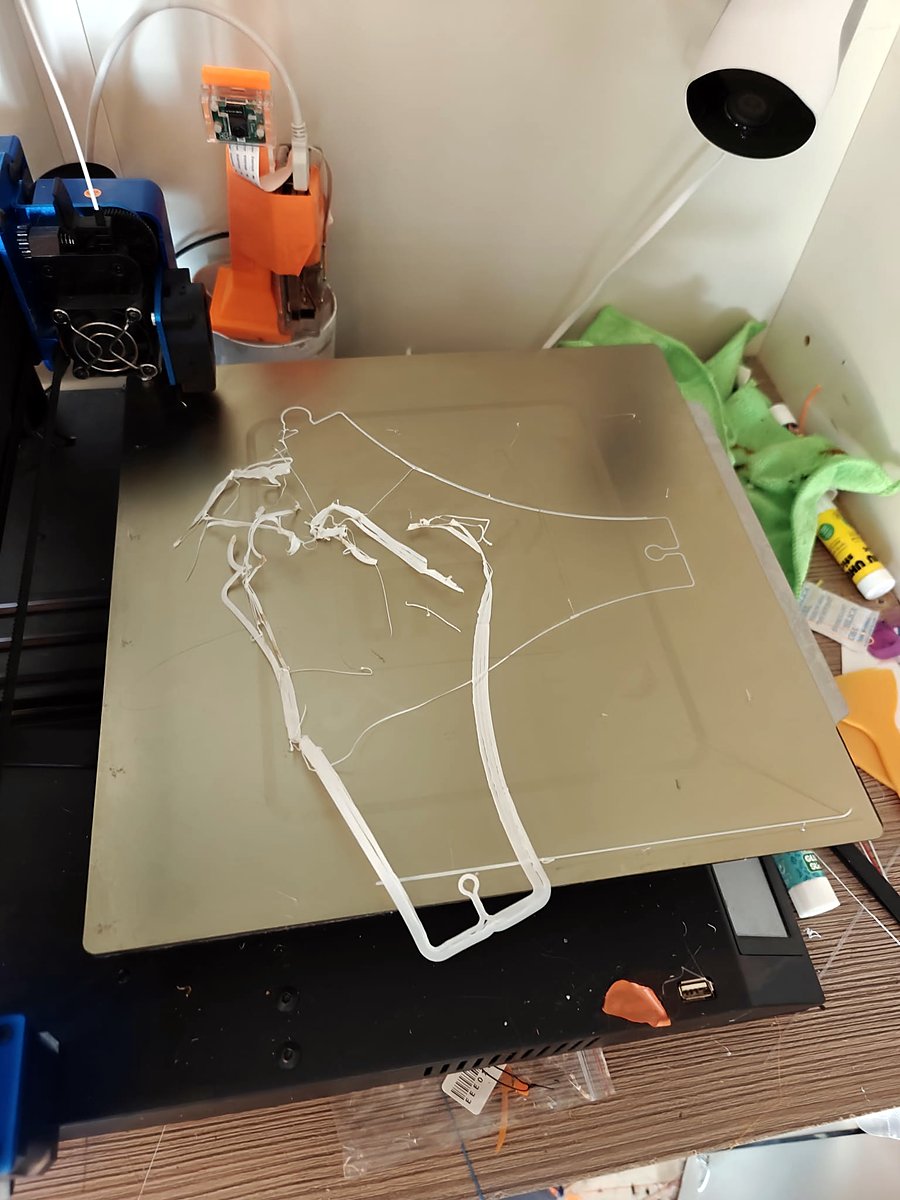
02:09, 02:25, 02:35, 02:46. Four emails from my print monitor: « failed print ». Then nothing. The printer did not stop. It made spaghetti until the morning, and I cancelled at 78 %.
The monitor scores a camera frame every 8 seconds with an open source failure model (the one from Obico). It can send an email, but it cannot pause the printer: I never turned that on. And when its camera has a bad day, it still says « healthy ». I wanted a second camera, with its own opinion.
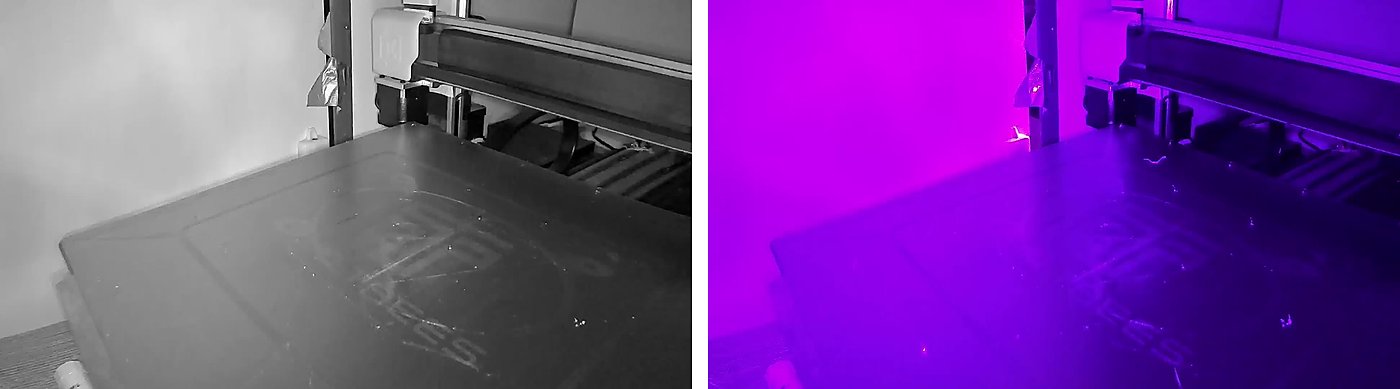
My only camera is a Yi. On a good day it sees the bed in grey. After a power cut, in purple.
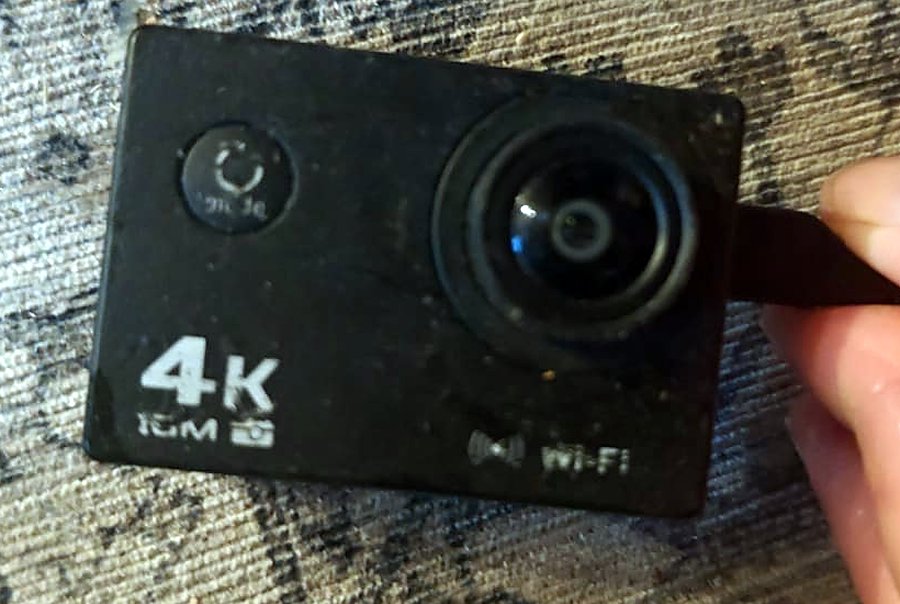
In a drawer I had two forgotten cameras: a JooVuu X, and a Chinese action cam, the AT-03, with « 4K » and « Wi-Fi » printed on the case.
One cable
Both cameras have Wi-Fi and a micro-USB port. I own many micro-USB cables and exactly one that carries data. I tested all the others, one by one, with hope. The ratio did not change.
Android, in 16 MB
Plugged into my PC, the AT-03 shows a menu: USB mode, camera mode, charging mode. In USB mode it is a USB stick, plus adb. And adb gives a root shell: Android 4.2.2, an « eng » build, kernel 3.4.39, an Allwinner V3 chip.
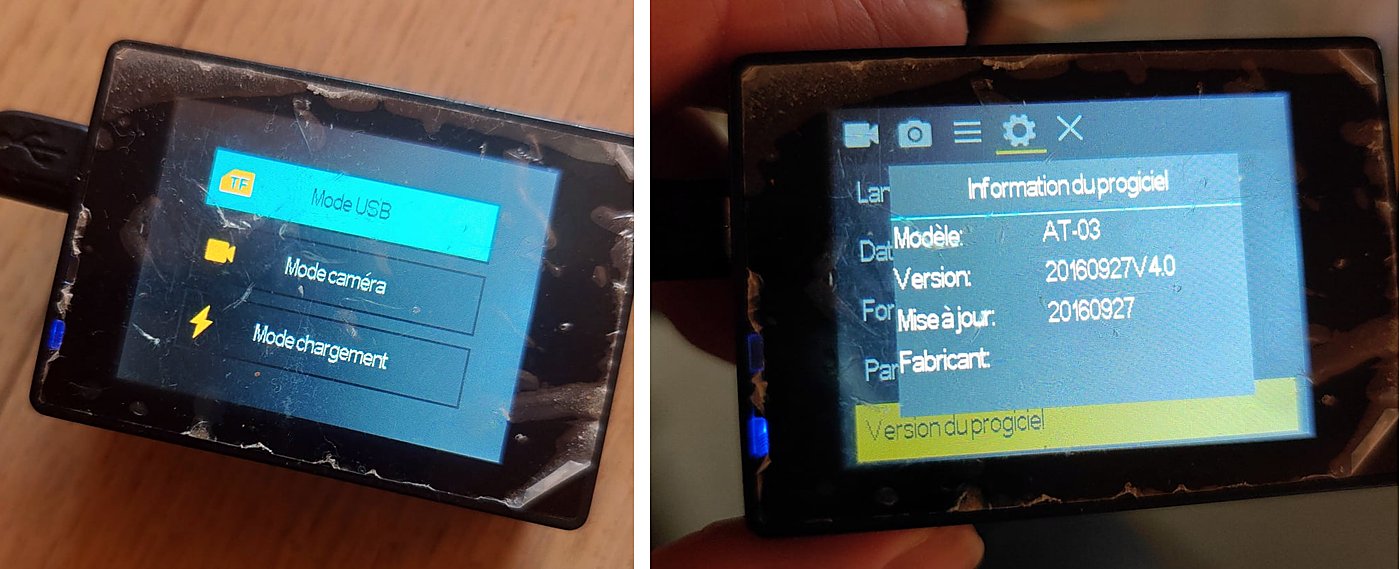
Before touching anything, a backup: the 8 partitions of the flash (12 MB), with SHA-256 hashes, on two machines.
The whole camera is one program, sdv: screen, video, buttons, USB. In its strings I found the USB modes:
mass_storage,adb: a USB stick (1f3a:1002), the defaultwebcam,adb: a webcam (1f3a:100e)
A webcam mode! The first test was easy: setprop sys.usb.config webcam,adb. The camera appears as a UVC webcam, with one format: MJPEG, 1280×720, 30 fps. And then, no frame. Every control request times out (error -110).
Why it stays silent
I asked my AI agent to look inside sdv with Ghidra. The string webcam,adb is used in one small function that sets the property and returns. The function that really starts the video is startPCCam:
void FUN_00036c28(int param_1,undefined4 param_2)   // startPCCam
{
  __android_log_print(2,"MainWindow.cpp",
                      "<line[%04d] %s()> +++++++++[debug_jaosn]:this is start pc cam+++++++++\n",
                      0xc7f,"startPCCam",param_2);
  *(undefined1 *)(param_1 + 0x6c) = 1;                  // the "PC camera" flag
  ...
  FUN_0003b914(*(undefined4 *)(param_1 + 0x20));        // property_set("sys.usb.config","webcam,adb")
  return;
}
(The log message says « debug_jaosn ». Thanks, Jaosn.)
Only one thing calls it: connectToPCCallback, the callback of the on-screen menu. No hidden switch. To get a webcam, a human must press DOWN, then OK, every time the camera starts. And if nobody reads the video, the camera gives up after a few seconds and goes back to being a USB stick.
The JooVuu detour
The JooVuu has no USB data at all, only Wi-Fi, and its Wi-Fi did not start for a day. A config file on the SD card, a QR code on my screen, a test access point on my PC: nothing. What worked in the end: normal mode (green blinking LED), then hold the M button for 4 seconds. A blue LED, a network, and a video stream: 432×240, UDP only. Then it switched itself off, for a reason I never found.
The AT-03 has Wi-Fi too. Its own network is called « Sport-cameras », and the password is on the screen.
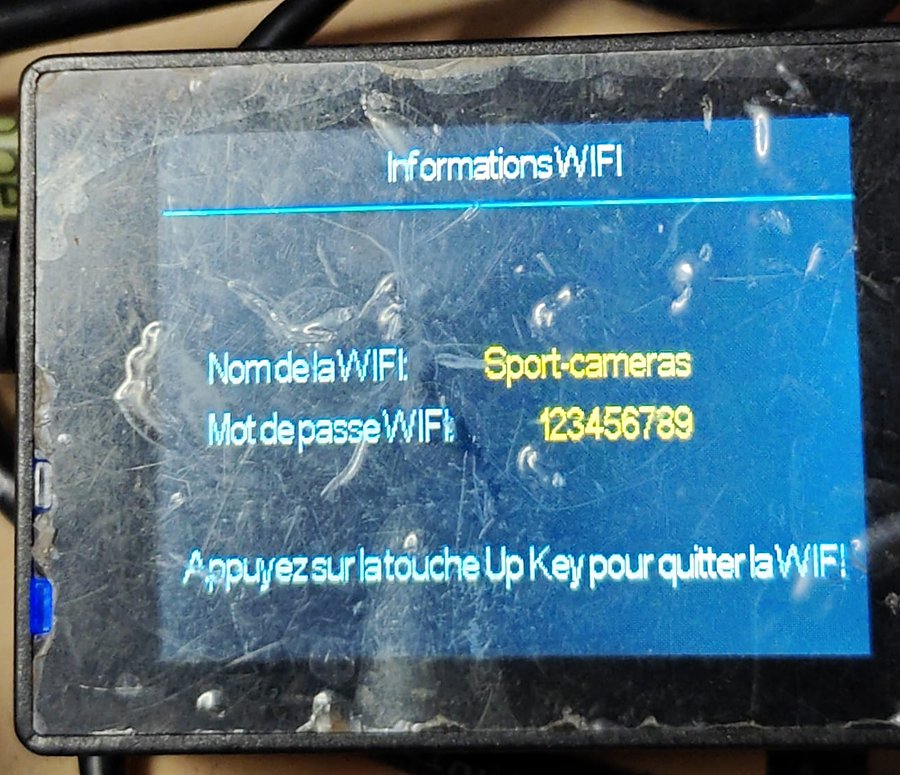
Nothing streams on it: the RTSP library is in the firmware, but nothing loads it. So the cable stays.
The brick
I wanted the AT-03 to enter webcam mode alone. The plan: change sdv so the « PC camera » flag starts at 1. A first test, with a patched copy mounted over /system/bin/sdv (RAM only), proved nothing: when sdv stops, the camera reboots, and the reboot erases the mount.
My agent warned me twice: if a write is interrupted, the camera may not boot again, and the recovery method was untested. I said yes to the risk. Then I said: « continue the firmware route, with more tenacity ». It did.
It wrote the system partition block by block, over adb, while Android was running. The write stopped around block 9. Half old, half new. The agent « restored » it with an adb push of the full original image, and the readback hash matched. Next boot: the screen stays on WELCOME. No USB, no adb, nothing. (Its analysis was wrong too: it had read a routine as Thumb code.)
Its usage limit ran out a few minutes later. Pas de bol.
The agent’s first recovery idea: a copy of the camera’s normal bootloader on the microSD card. A very elaborate way to start the same broken system. Still WELCOME.
FEL, the back door
Allwinner chips have a boot ROM that cannot be erased. It has a USB mode called FEL: the chip shows up as 1f3a:efe8, and a PC can read and write its memory and its flash. The trick is to enter it without opening the camera. With a card inside, the chip starts from the card and not from the flash. So a card with a tiny loader at 8 KB sends the chip straight to FEL. The loader is fel-sdboot from the sunxi-tools project: 40 bytes of ARM code that jump to the ROM’s FEL entry point.
A second AI agent, in a new session with no memory of the first, wrote this loader on the card. Camera off, card in, USB cable: black screen, and the PC shows 1f3a:efe8.
sunxi-fel said: SoC V3s, SPI flash Winbond, 16 MiB. The agent read the whole chip and compared it with my backup. Only six blocks of 64 KiB were different, all in system. And adb had told me seven, and had told me everything was restored. The most likely reason: adb push to a /dev/block/... path replaced the device file with a normal file in RAM. My « restore » went to RAM, and the readback read RAM.
Six blocks written through FEL, the whole chip read back, the SHA-256 of system identical to the original. The camera booted and showed its menu. If you try something like this: never write a mounted partition, and never adb push to a block device path.
A finger made of software
Now the real goal: nobody at boot. The camera starts, the menu appears, DOWN, OK.
My first agent had an idea: a servo (or a solenoid) glued in front of the two buttons, driven by the Raspberry Pi. A robot finger, to press the buttons of a camera that watches a robot. I said no. Software only.
The buttons are plain Linux input devices. I pressed them while the agent listened on /dev/input/event0: the side button sends KEY_VOLUMEUP (115), the round button sends KEY_MENU (139). DOWN and OK.
The second agent left the restored system alone and added a small static ARM program, at03-autocam, started at boot by a one-shot service in the boot partition (init.sun8i.rc). Only five blocks of the boot partition changed.
service at03_autocam /data/at03-autocam --autostart
    class main
    user root
    group root
    oneshot
What the program does:
- It waits until the stock app says that its USB selector is open (it reads the Android log).
- It waits 500 ms.
- It writes DOWN, then OK, to
/dev/input/event0: key 115, then key 139. - It checks
/sys/class/android_usb/android0/functions. Webcam? Done. It never retries.
One detail that took a test to learn: if the screen is asleep, the first key only wakes it. So when the display turns off, the program goes back to waiting.
The camera’s own log of a cold boot, without a microSD card and without a finger:
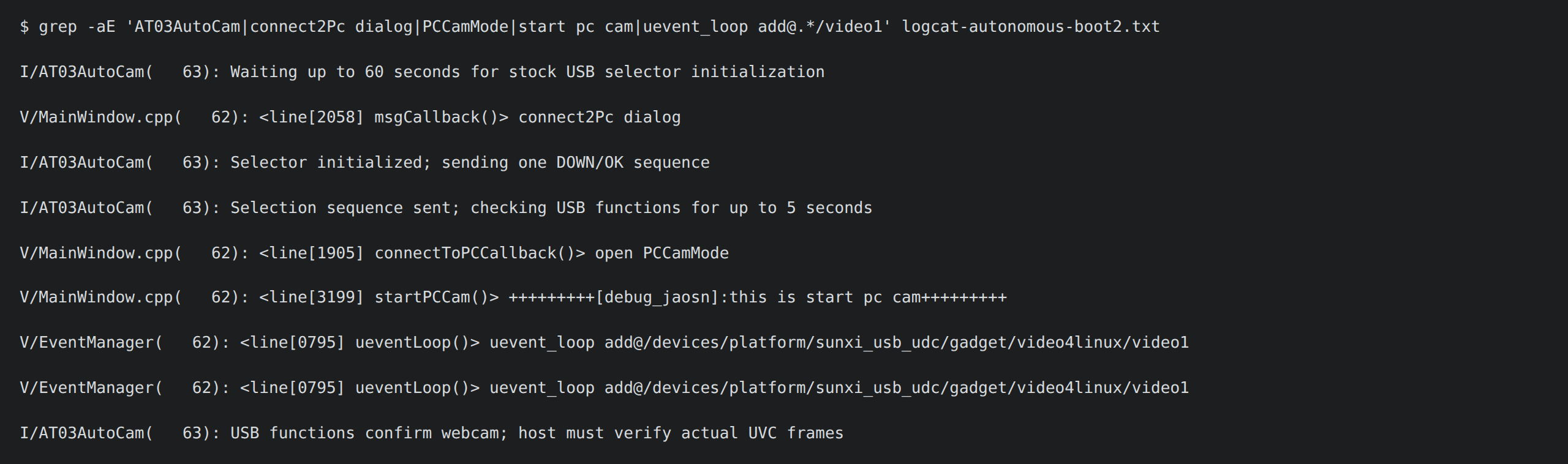
Two cold boots in a row: the camera announced itself as a webcam, and a fresh 1280×720 frame arrived on my server 8 seconds later. The timestamps moved and the image changed (a frozen frame would also look like success).
Where it stands
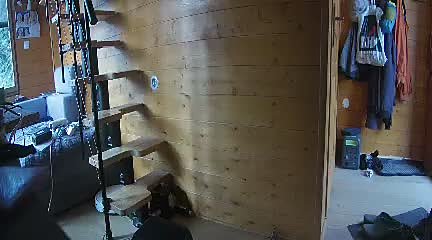
The first frame this camera ever gave my computer: the underside of my desk, and a page of a book.
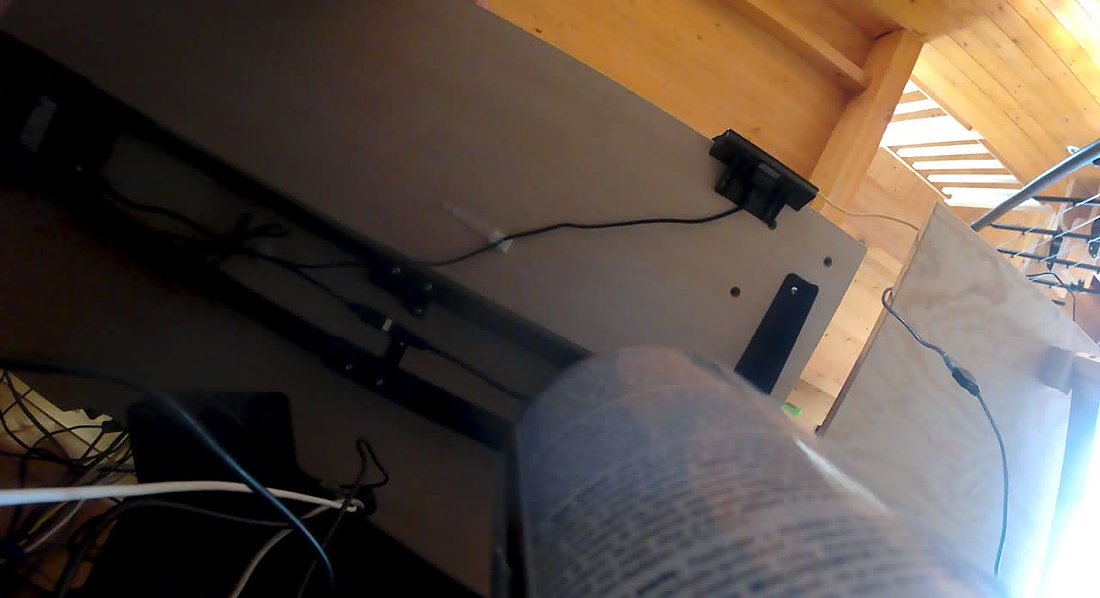
Today the AT-03 is plugged into the Raspberry Pi of the printer, the only place my data cable can reach. The Pi relays the video, and my home server saves one snapshot per second for the detector, which uses it only when it is fresh.
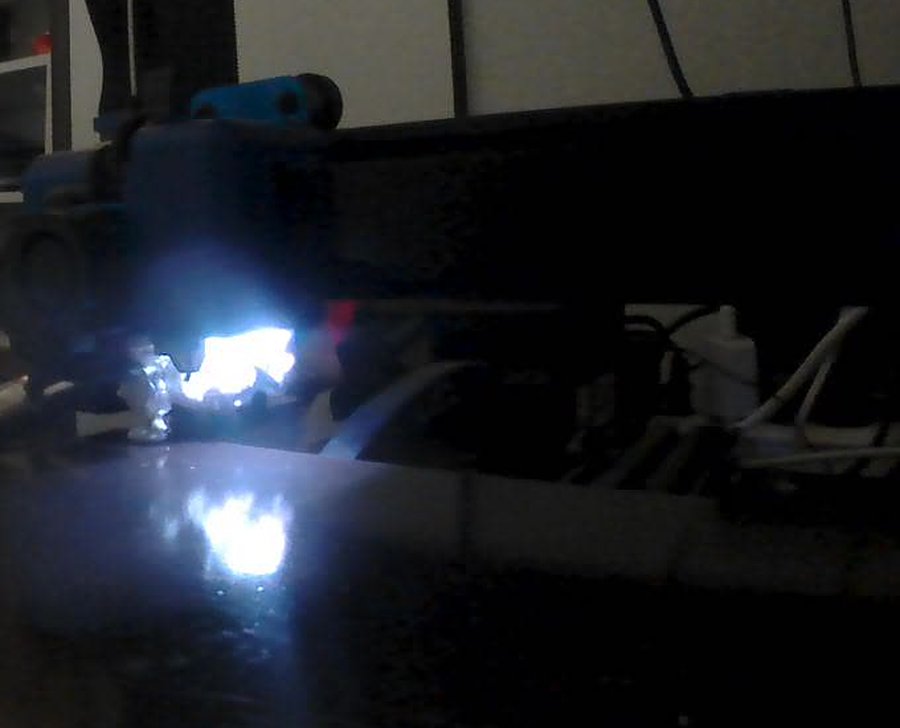
There is no lithium battery inside: the camera sits next to a 60 °C bed and a 210 °C nozzle, so it runs on USB power only.
Still to do: framing, light, and a real test with the model. The AT-03 stays disabled in the detector until it passes. And the « auto pause » is still off.
How AI was used
Two AI agents did most of the hands-on work.
The first one (Claude Code) probed the camera with adb, backed up the flash, drove Ghidra, found startPCCam and built the capture service. It also wrote the partition that killed the camera, after a wrong analysis.
The second one, a new session with no memory of the first, did the recovery through FEL, then wrote the helper, the boot integration, the tests and a review of the boot image.
My part: owning exactly one data cable, pressing buttons and reading screens out loud (green, red, blue, WELCOME), refusing the robot finger, saying « continue » when I should have said « stop », and deciding that the camera goes on the Pi, with no battery.
Note: I don’t have much time for the blog these days, so this post was written with the help of an AI, from my own notes, then read and corrected by me. Better to share the content this way than not at all.