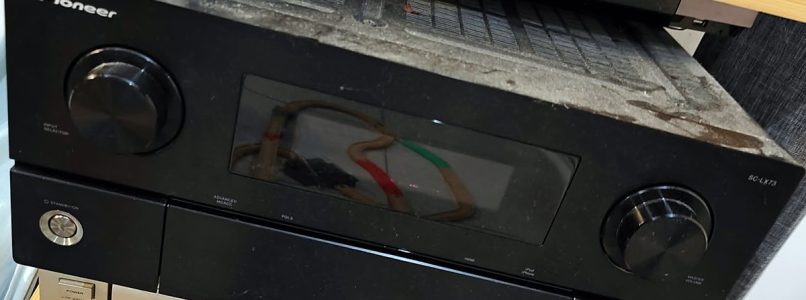
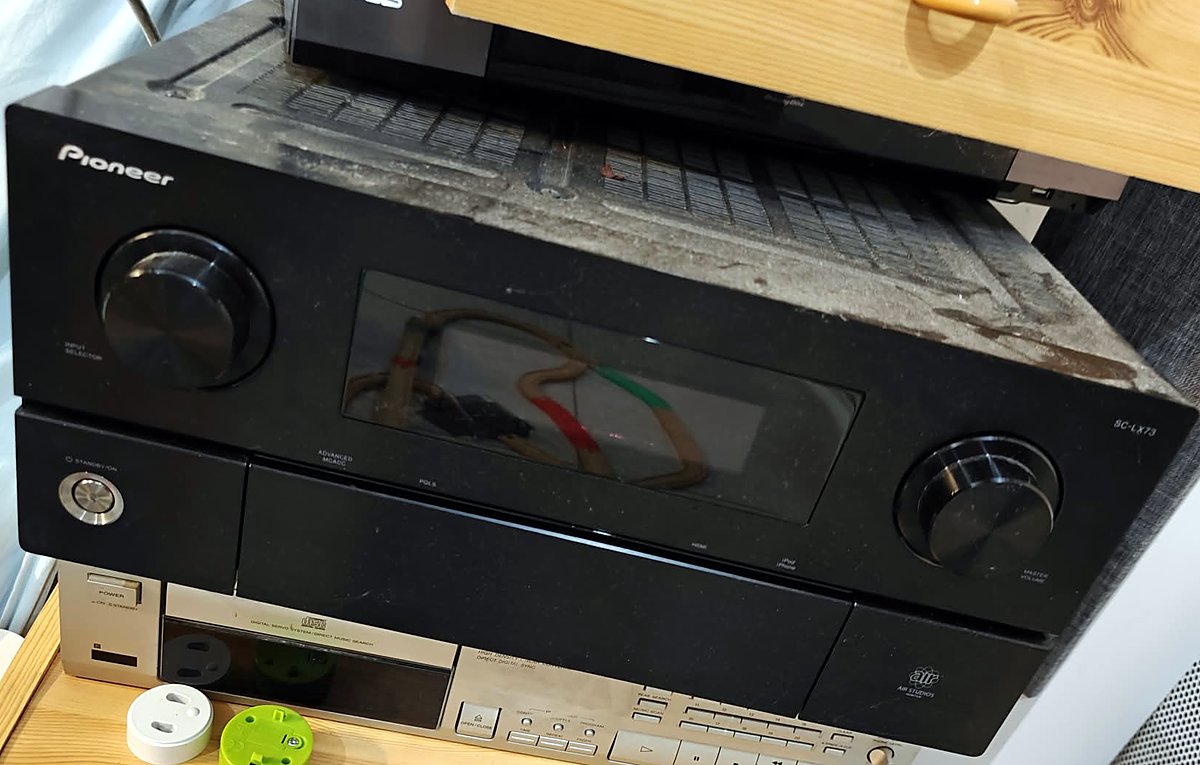
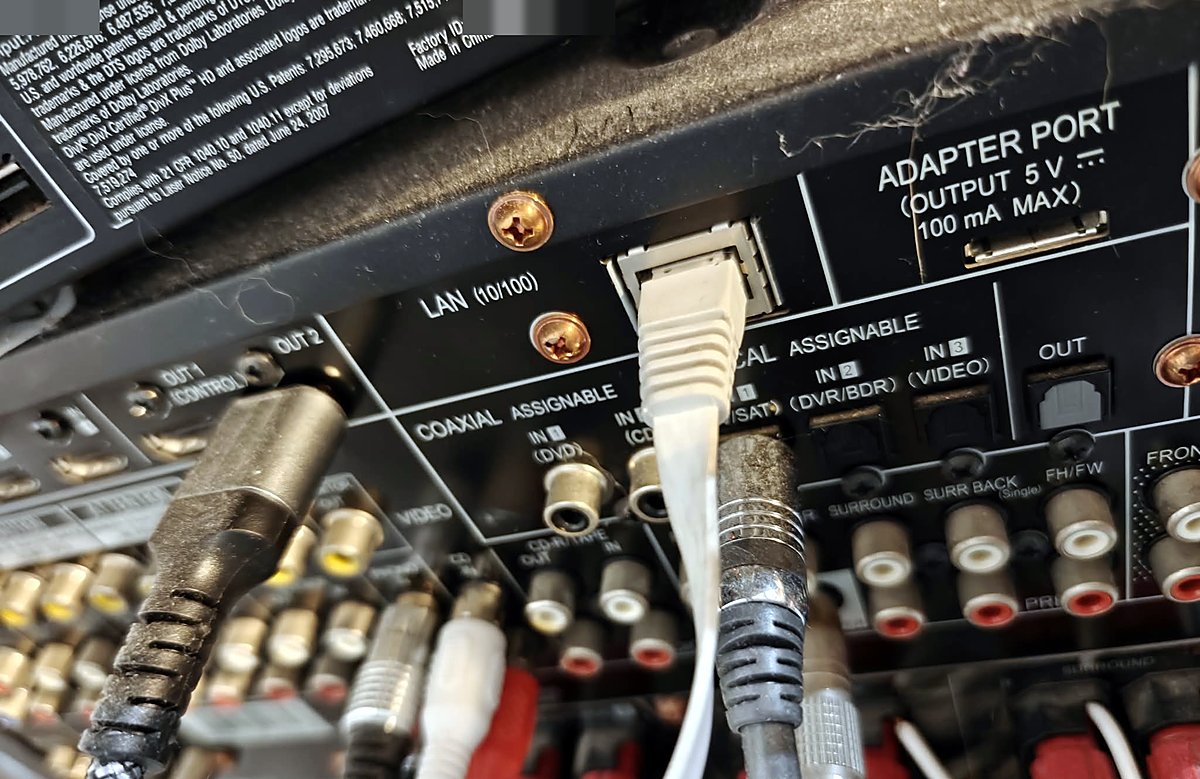
Ask the internet what the Ethernet port on a 2009 Pioneer AV receiver is for, and you get a confident, unanimous answer: internet radio and firmware updates. The manual says it. Forums repeat it. Years of received wisdom, all in agreement, and none of it tested. I own a Pioneer SC-LX73 (around 2009), and I got tired of walking across the room to power it on for movie night. So I plugged a cable into that « dead » port and actually looked at the wire.
What I found was not a radio tuner. It was a full RS-232 control surface, complete with a web server, a telnet port, and zero authentication, quietly waiting for someone to notice. My receiver now powers on, selects the right input, and takes its volume orders from Kodi, all by itself. This is how a dead port became the hardest-working connector in the living room.
A dead port that was just thirsty
The naive approach first: I ran a plain patch cable from the LibreELEC Pi that runs my Kodi setup straight into the AVR’s RJ45. The link light came up, nothing else happened, and the receiver looked exactly as dead as the forums promised. Case closed, apparently.
Except LibreELEC has no tcpdump, and I am stubborn. A tiny Python sniffer built on AF_PACKET sockets showed what was really happening on that cable:
[ 23.4s] [the AVR]  UDP 68->67 [DHCP DISCOVER]
[ 26.1s] [the AVR]  ARP op1
[ 31.0s] [the AVR]  UDP 68->67 [DHCP DISCOVER]   <- every ~18s
The other end was alive and shouting into the void. A MAC OUI lookup on 00:e0:36 came back as Pioneer Corporation, so this really was the AVR, and it was stuck in a DHCP DISCOVER loop. Of course it was: a direct cable has no DHCP server, so the poor thing never got an address and had nothing to say on IP at all. « Unreachable » was really « unaddressed ». The port was not dead. It was just thirsty.
Becoming the DHCP server
The fix was to give it something to drink. I put a static address on the Pi’s eth0 and wrote a small DHCP server in Python, about sixty lines, MAC-whitelisted to the Pioneer OUI so it could never hand a lease to anything else and poison the home LAN. On the next DISCOVER cycle:
DISCOVER from the AVR -> OFFER
REQUEST  from the AVR -> ACK
The AVR took its address and went quiet, like a machine that had been waiting its whole life for someone to answer. First real finding, worth repeating: the port was never dead, it was waiting for DHCP. All that forum wisdom, undone by a missing lease.
Port scan: greetings from 2009
With the AVR addressable, a quick TCP scan turned a curiosity into a project:
OPEN  23/tcp     <- telnet?!
OPEN  80/tcp     <- web server?!
OPEN  8102/tcp   <- unknown
Telnet. On a 2009 amplifier. I laughed out loud. The HTTP port answered with Server: Nu-OS/1.13 and served a page titled « Pioneer Web Control System », a complete HTML remote-control UI for the whole receiver. The third port, 8102/tcp, stayed silent to plain HTTP and remains unidentified, most likely the channel for the official app. I never needed it.
The web UI is an RS-232 relay
The real unlock came from reading the UI’s own JavaScript, js/common.js, right off the receiver. Every button in that pretty web page builds a request like this:
a = "EventHandler.asp?WebToHostItem=";
b = encodeURIComponent(query);           // "BPO", "VU", "19ZT"
req.open("get", c, true);                // GET /EventHandler.asp?WebToHostItem=BPO
and the page polls its state from GET /StatusHandler.asp, which returns JSON. There is even a function honestly named webCon.http.sndRs232cEvent(query). So every button in the web UI is simply an RS-232 command passed over HTTP. The whole command vocabulary fell straight out of the JavaScript:
- Power:
BPOon,BPFoff - Volume:
VUup,VDdown (main zone) - Mute:
MOmute,MFunmute - Input select:
<nn>ZT, where<nn>is the RS-232 input number; my theatre input is 19, so19ZT - Listening mode:
<n>SR, for example0001SRstereo,0010SRstandard surround,0050SRHome THX - Status queries:
?AST,?RGC, and friends
This also explained the telnet port: 23/tcp is the same RS-232 bus, exposed raw. printf '?AST\r' | nc <avr> 23 answered AST0302…, and ?M answered MUT1. No handshake, no session, CR-terminated ASCII, like it is still 2009. Because it is.
Proof, not vibes
Reading state is easy; the entire point was control. For a first write test, I wanted something reversible, because I enjoy my amplifier and would like to keep it. Through the HTTP relay:
V=104 -> VD x3 -> V=101 -> VU x3 -> V=104Each step was read back through /StatusHandler.asp, and the volume round-tripped exactly. Power, input, and mute ride the same path, so control was proven rather than assumed. Rule of thumb: the first write to unfamiliar hardware should be one you can undo.
Wiring it into Kodi
Reverse engineering only matters if it ships. The physical chain in the living room:
[LibreELEC Pi]  HDMI --> [Pioneer SC-LX73] -- HDMI Out 2 --> [projector]
      |  eth0 == RJ45 direct cable (point-to-point)
      +-- wlan0 = home LAN (SSH)
The Pi reaches the house over wifi. Its eth0 is dedicated to the AVR on an isolated point-to-point cable: no switch, not bridged onto the LAN.
Three small pieces of software make it livable. A pioneer-avr systemd unit keeps a static address on eth0 and runs the MAC-whitelisted DHCP server. An avr-ctl wrapper exposes status, on, off, volup, voldown, mute, unmute, input, plus raw cmd and rawquery for anything exotic, using HTTP for writes and telnet for raw queries. And kodi-avr-bridge.py polls Kodi’s JSON-RPC every half second and forwards intent to the receiver.
The bridge is where the quality of life lives. A Kodi volume change becomes VU/VD on the AVR, after which the bridge re-pins Kodi’s volume to 100, so the amplifier is the one true volume knob and Kodi’s internal volume stops mattering (it was inert for HDMI passthrough anyway). A Kodi mute toggle becomes MO/MF. And when playback starts, the bridge sends BPO plus input 19, so the amp powers on and selects the theatre input by itself. Verified live: dragging Kodi from 100 to 90 drove the AVR from 104 down to 101, then Kodi snapped back to 100. Movie night now starts with one button.
One honest confession: I lost a fight with connman, LibreELEC’s network manager. It insists on managing eth0 as a normal « Wired » connection, adds its own link-local address, runs its own DHCP client, and sometimes the AVR gives up on my server and self-assigns a link-local address instead. The good news is that control works fine over link-local too, because the Nu-OS web server binds 0.0.0.0. So the practical rule is simple: never depend on a fixed AVR address. avr-ctl self-discovers whichever address the receiver currently holds, trying the known candidates and then the neighbour table. connmanctl disable ethernet turned out to be too heavy (it powers the NIC down entirely), so I let connman sulk and simply routed around it.
Jeedom, my home-automation box, drives the amplifier as well. Since the AVR is deliberately off-LAN, a thin avr_control.sh on the Jeedom Pi SSHes to the Kodi box and runs avr-ctl there. That gives me scenarios: power the amp off when the house switches to absence mode, alert me if it is still on at odd hours. The AVR is slow, so fast scenarios get a small sleep after power and input commands.
For the curious, the raw interface is three curl calls and a netcat:
curl -s http://<avr>/StatusHandler.asp                        # full JSON status
curl -s "http://<avr>/EventHandler.asp?WebToHostItem=BPO"     # power on
curl -s "http://<avr>/EventHandler.asp?WebToHostItem=19ZT"    # theatre input
printf '?AST\r' | nc -w 3 <avr> 23                            # raw RS-232 query
Honest limits
Some cold water, because this blog tries to tell the truth. No custom firmware exists for this receiver: it runs a closed, signed RTOS and has no modding scene. It does not need one, but if you dreamed of flashing your way to glory, dream otherwise. Pioneer’s official iControlAV apps never supported the SC-LX73 either (2011 and newer models only), which is now irrelevant, since the built-in web control is fully scriptable and needs no app at all. The internet radio side, vTuner and friends, is dead upstream, and nobody mourns it.
The serious caveat is security: there is no authentication on this link. Anyone on the wire owns the amplifier. That is acceptable only because eth0 is an isolated Pi-to-AVR cable with nothing else on it. Never bridge it to the LAN, and never expose it to the internet without protection in front.
The moral
Years of received wisdom said the port did one boring thing. Looking at the wire said otherwise. The tools were a patch cable, sixty lines of Python, and the receiver’s own JavaScript. Trust the packet capture, not the forum.